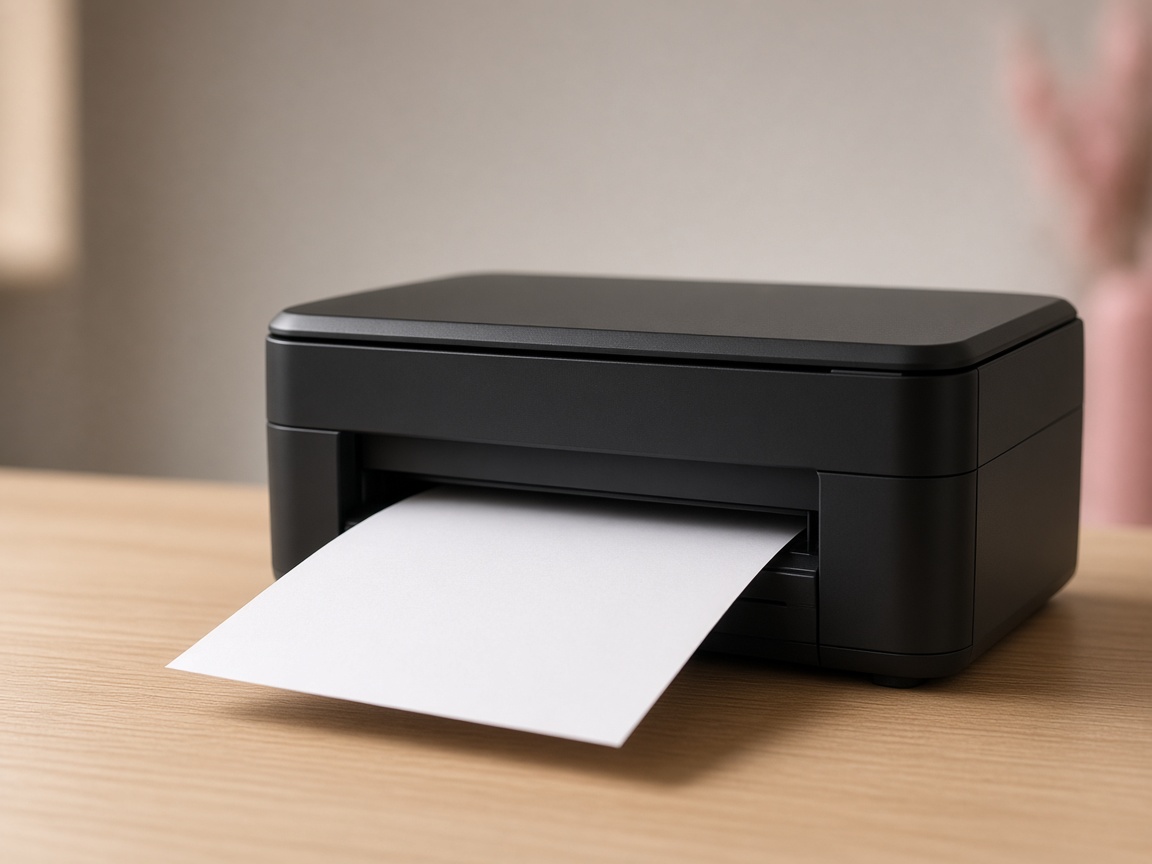
For the customer
The customer scans the card on the glass, sends the file, and pays. You stay at the counter and hand over the pages. There is no chat thread to watch and no pen drive to collect.
Made for Indian print counters
Cyberprints is desk software for a print shop. A walk-in customer uses the phone they already have. The page comes out on the printer you already own.
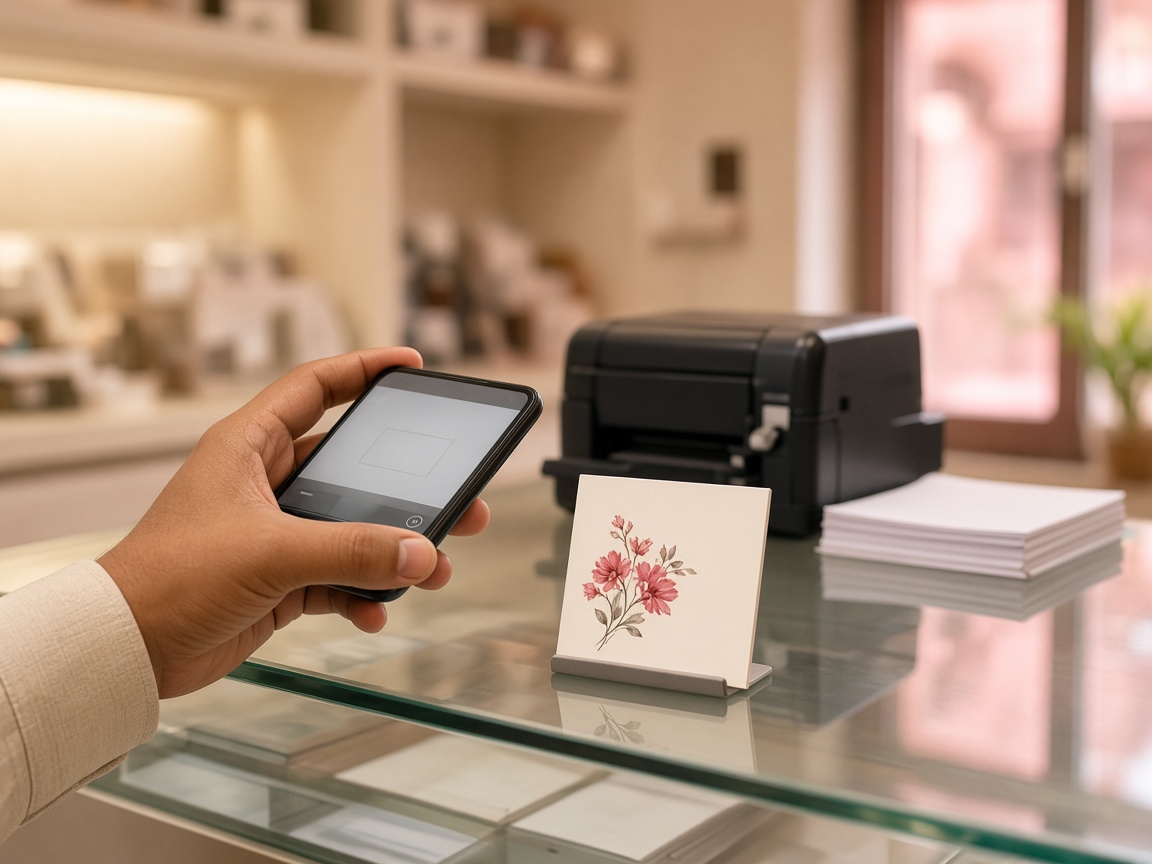
The customer scans the card on the glass, sends the file, and pays. You stay at the counter and hand over the pages. There is no chat thread to watch and no pen drive to collect.
Cash stays at the desk. Online pay goes to the Razorpay or Cashfree account you connect. Cyberprints does not take a cut of the page, and the file is removed after the job.
The job
The card on the glass opens the page in the phone browser. Nothing to install.
The document goes from their phone to the shop PC. No drive, no forwarded chat.
Cash at the counter, or online into the shop’s own account. You set the page price.
The desk app hands the job to the printer Windows already uses. Mono, colour, or both.
What we promise
You pay for the software plan. What the customer pays for prints is yours.
The file is cleared once the page is out — from our side and from the shop PC.
No new machine. The desk app prints on the printer Windows already knows.
Stuck at setup? Write to the desk, and a person answers on a working day.
The counter
One desk app on the PC that prints today. No second machine on the counter.
Why it exists
The useful part of a print shop is the machine you already trust and the person at the counter. Cyberprints only removes the steps that slow that down. Setup is the app, the printer you select, and one test page. If you stall, write to the desk.